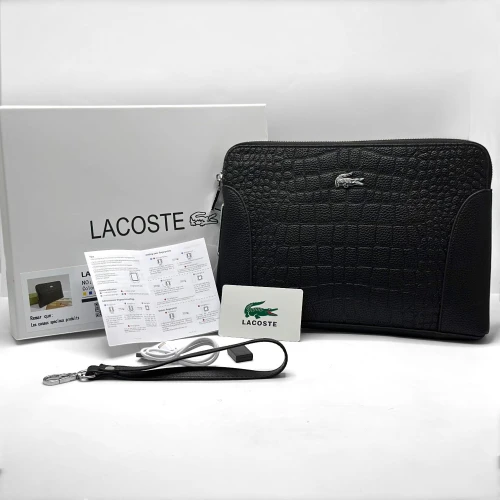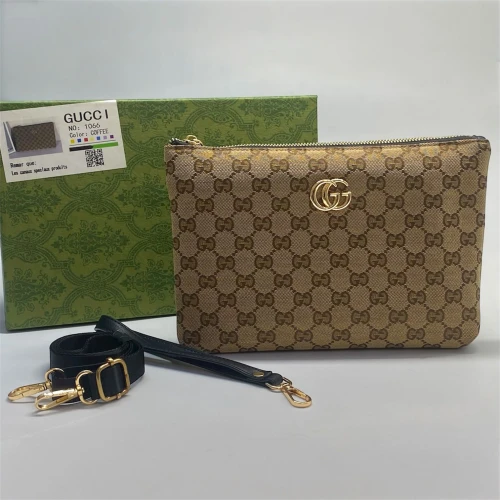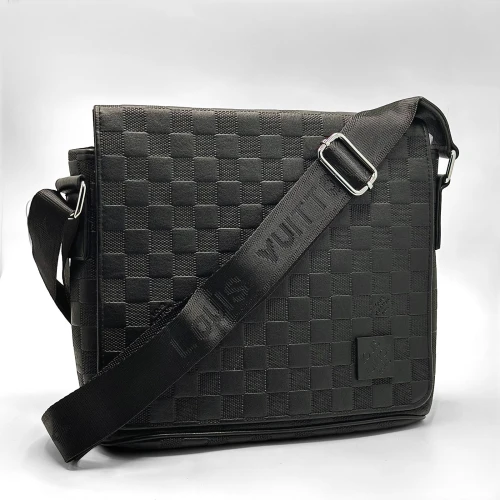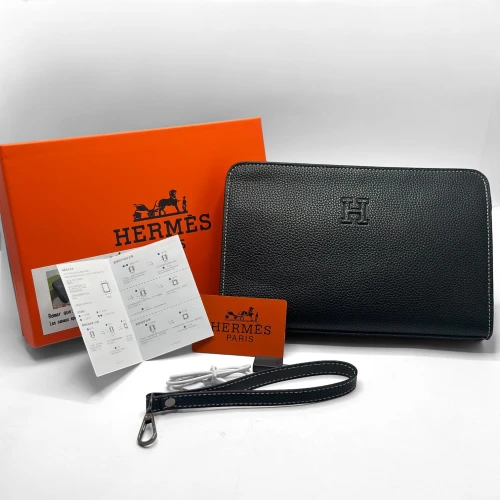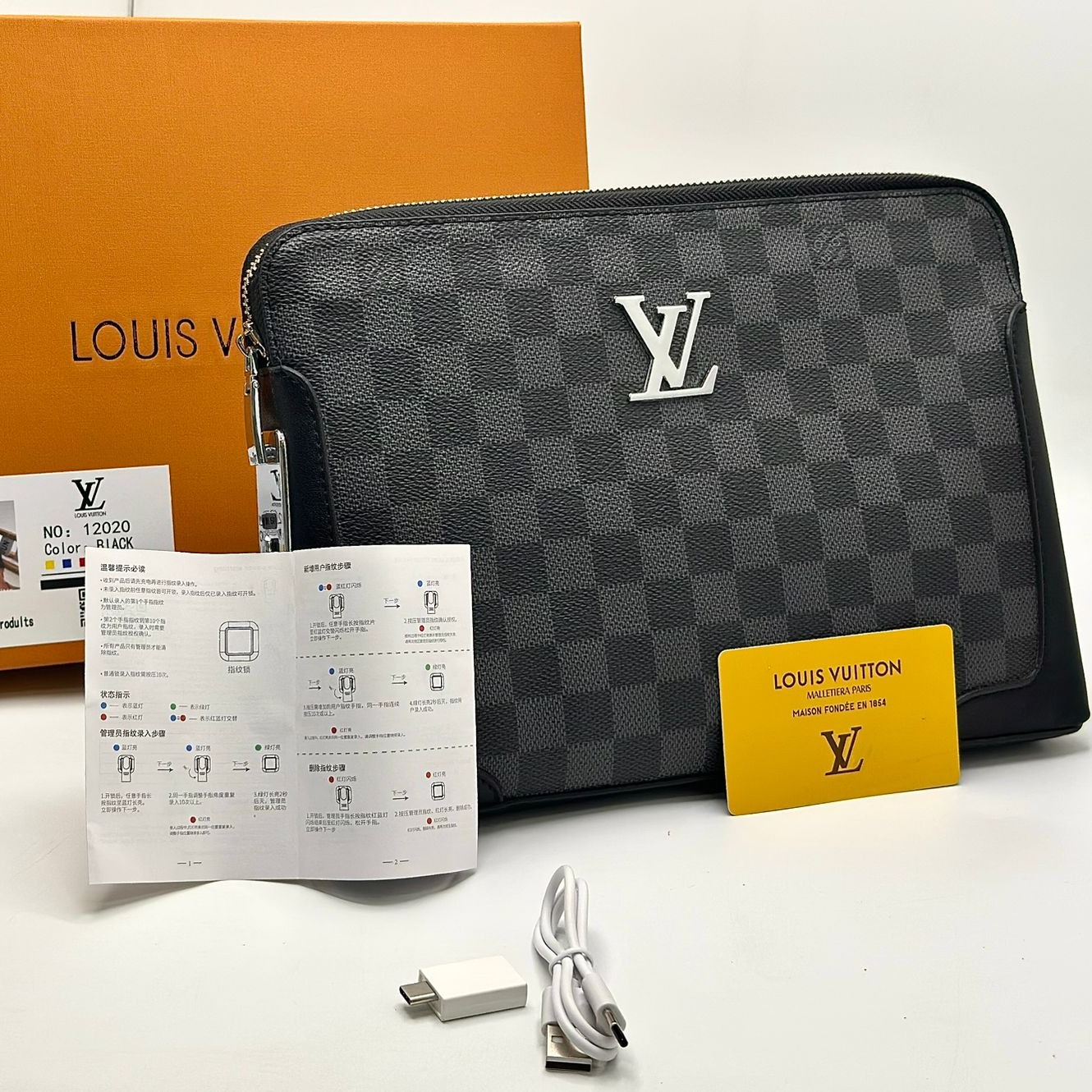

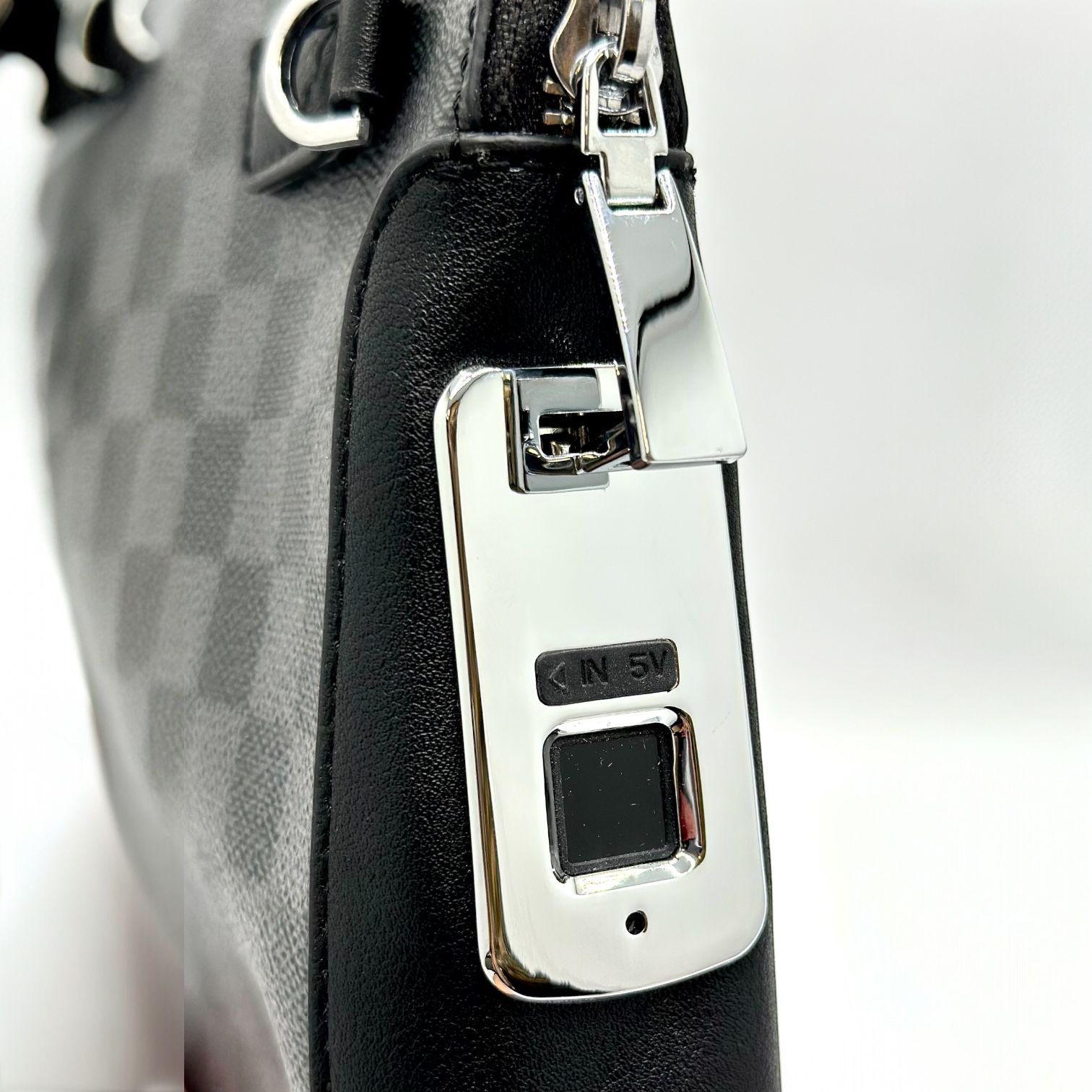
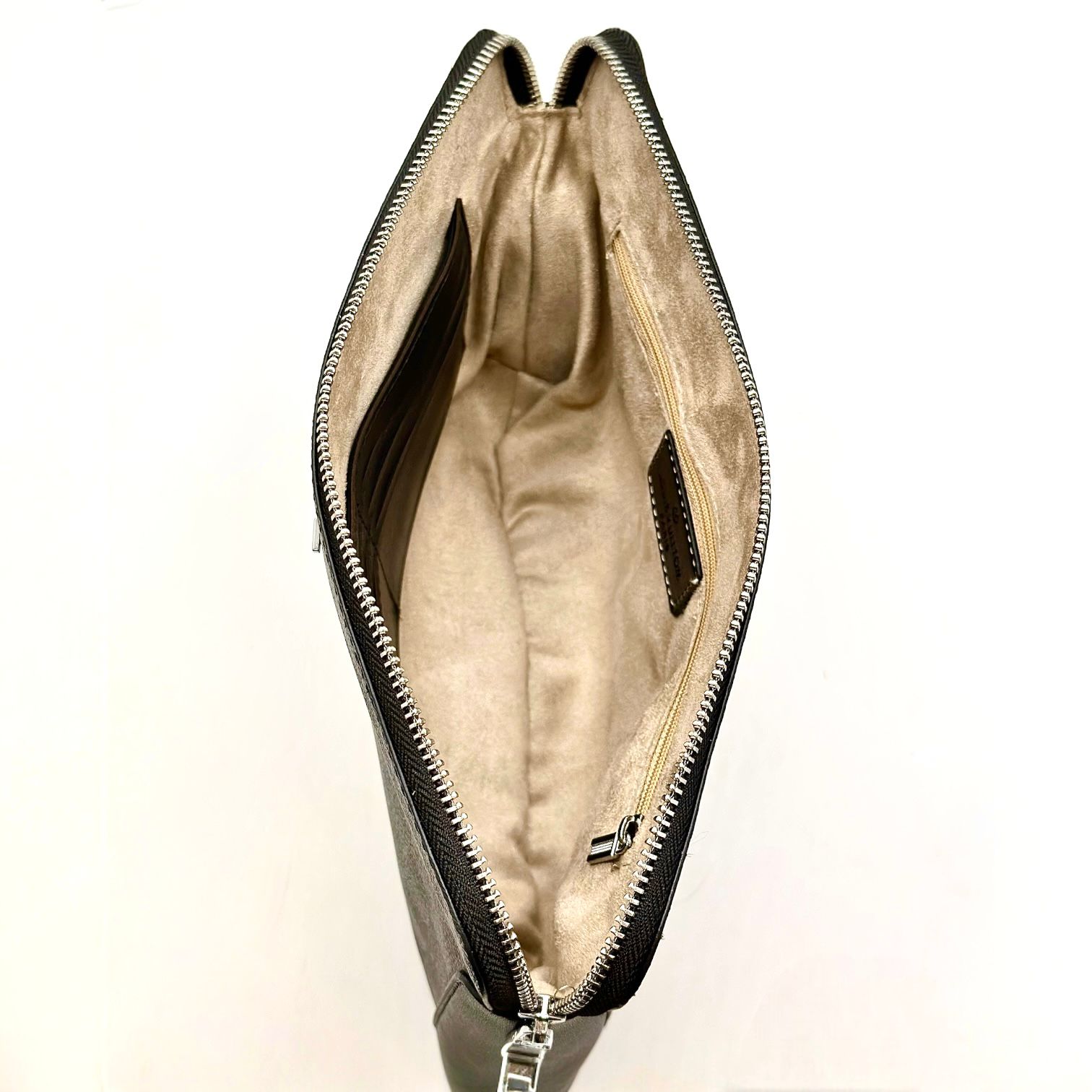
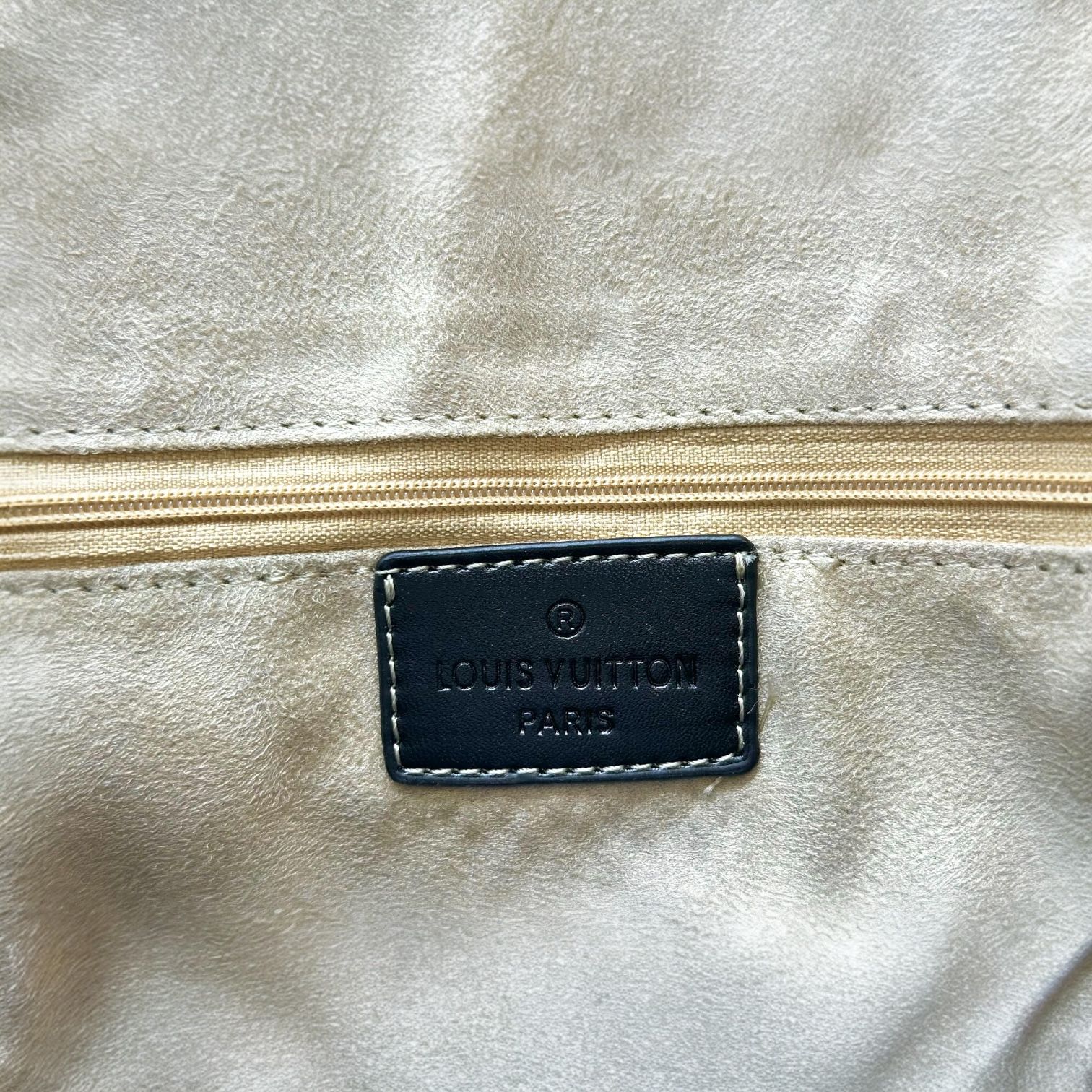

12020 fingerprint hand bag
Louis Vuitton Men's Leather Bag
Selected Variant
Out of Stock
Stock
Fingerprint Lock Bag
High-quality leather
Charging cable included
Size: 28 x 19.5
How to Use:
To add your fingerprint, ensure the lock has been pre-charged (the first fingerprint is the owner's).
Place the finger you want to add and unlock the lock for the first time, then long press until the light flashes blue and red.
Remove your finger, then press several times in succession until the light flashes green.
To add another fingerprint:
Long press until the light flashes blue and red, then use the owner's fingerprint once, then add the desired fingerprint by pressing several times until the green light appears.
Scan Fingerprint:
When you long press and the blue and red lights appear, wait a moment until the light flashes red only.
Then remove your finger and press again (administrator's fingerprint) until a solid red light appears.
Registering the Emergency Key for a Fingerprint:
When the key is first inserted, it will flash blue and red. Press once and the key will be added with a green light.
Note 1: Only two fingerprints can be added.
Note 2: The emergency key is only for use with the designated key.