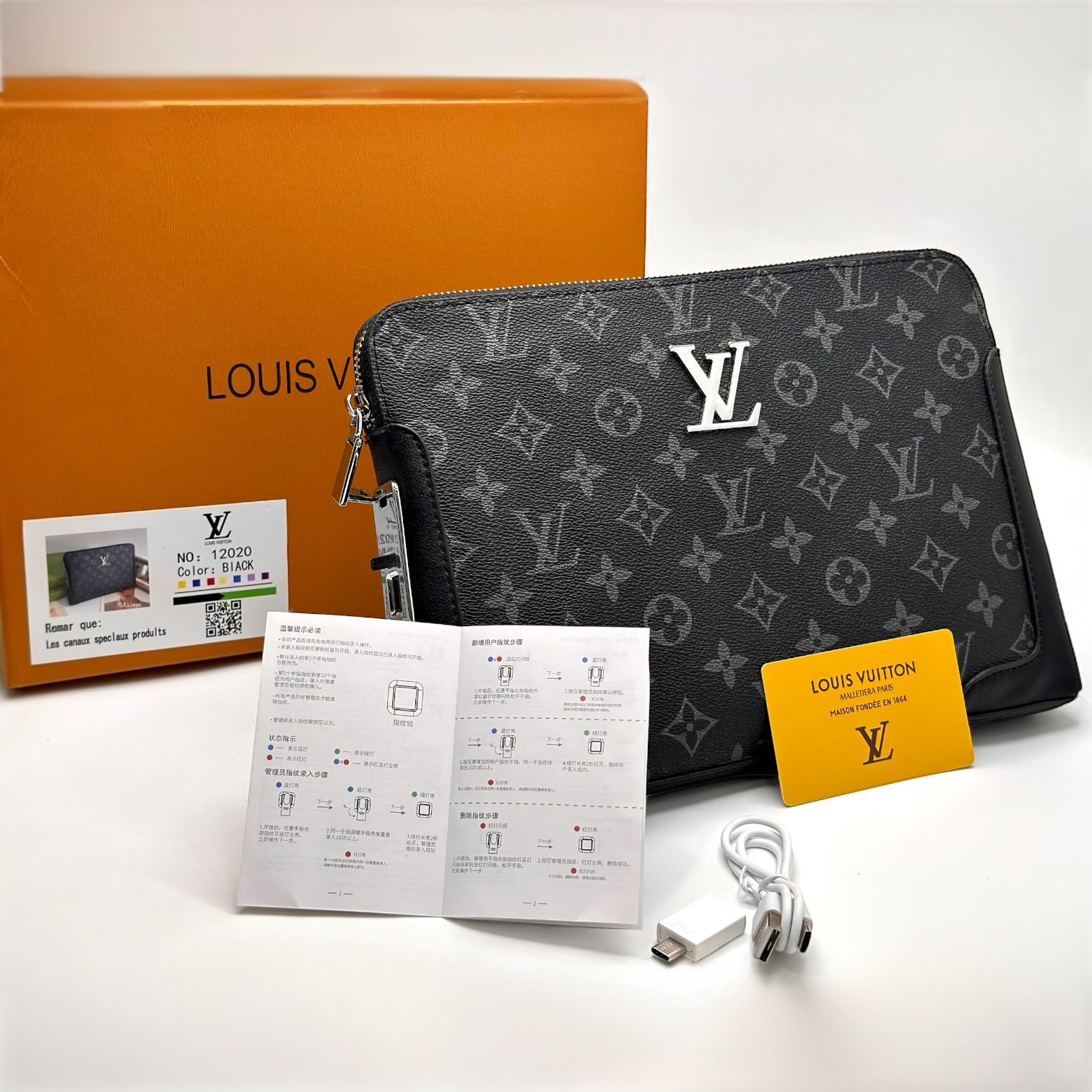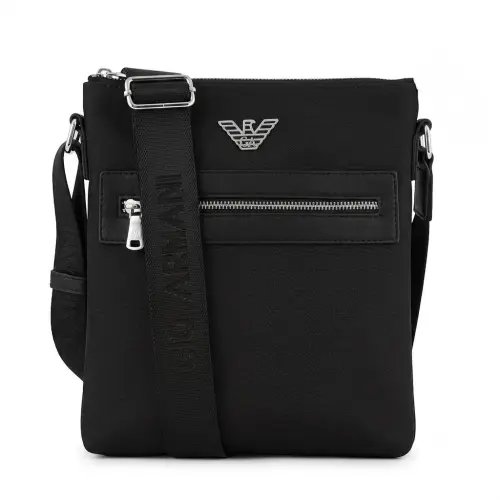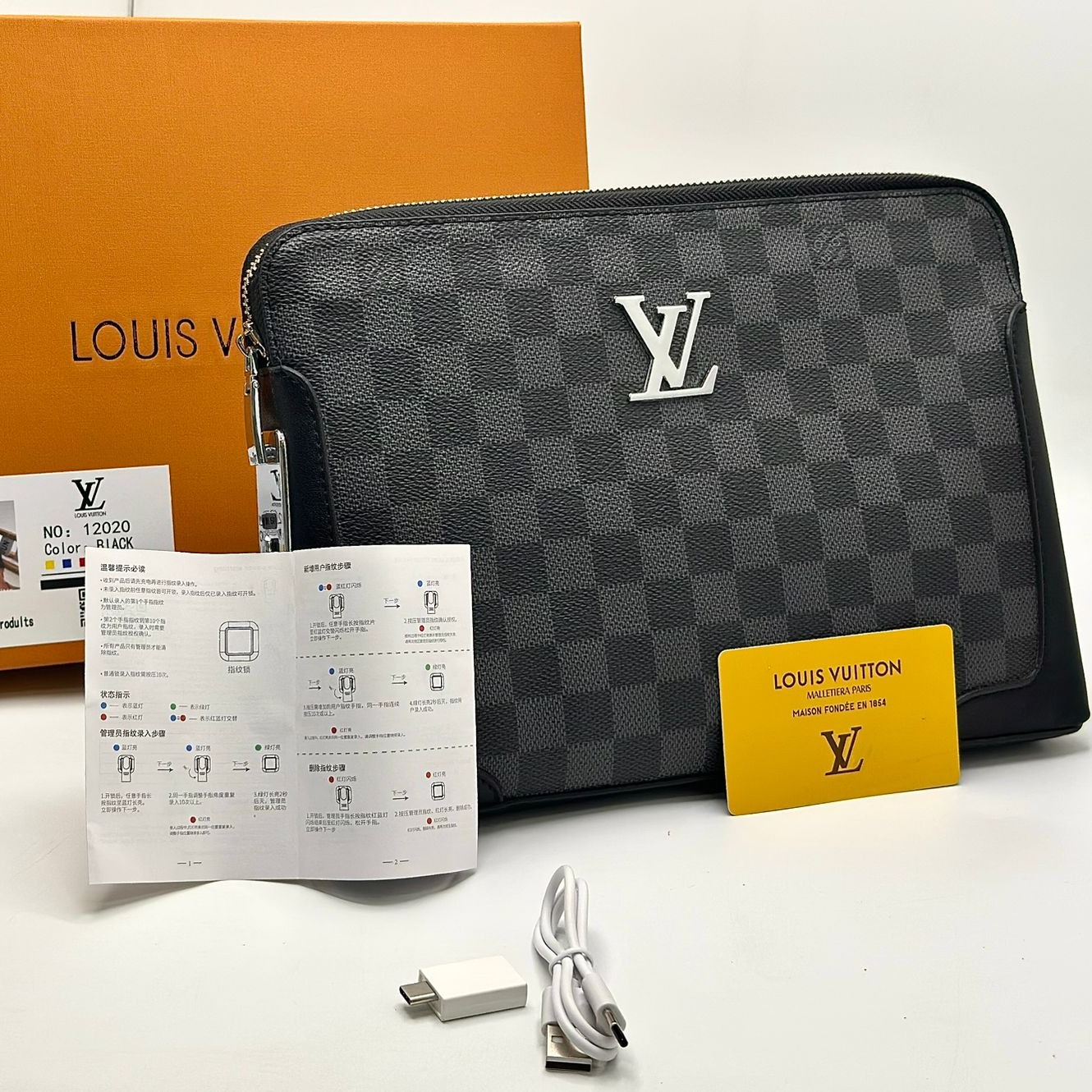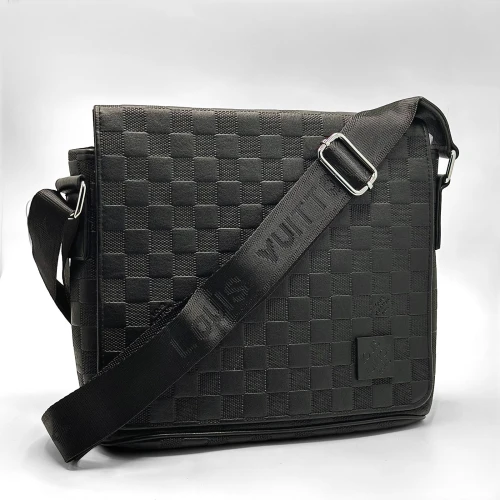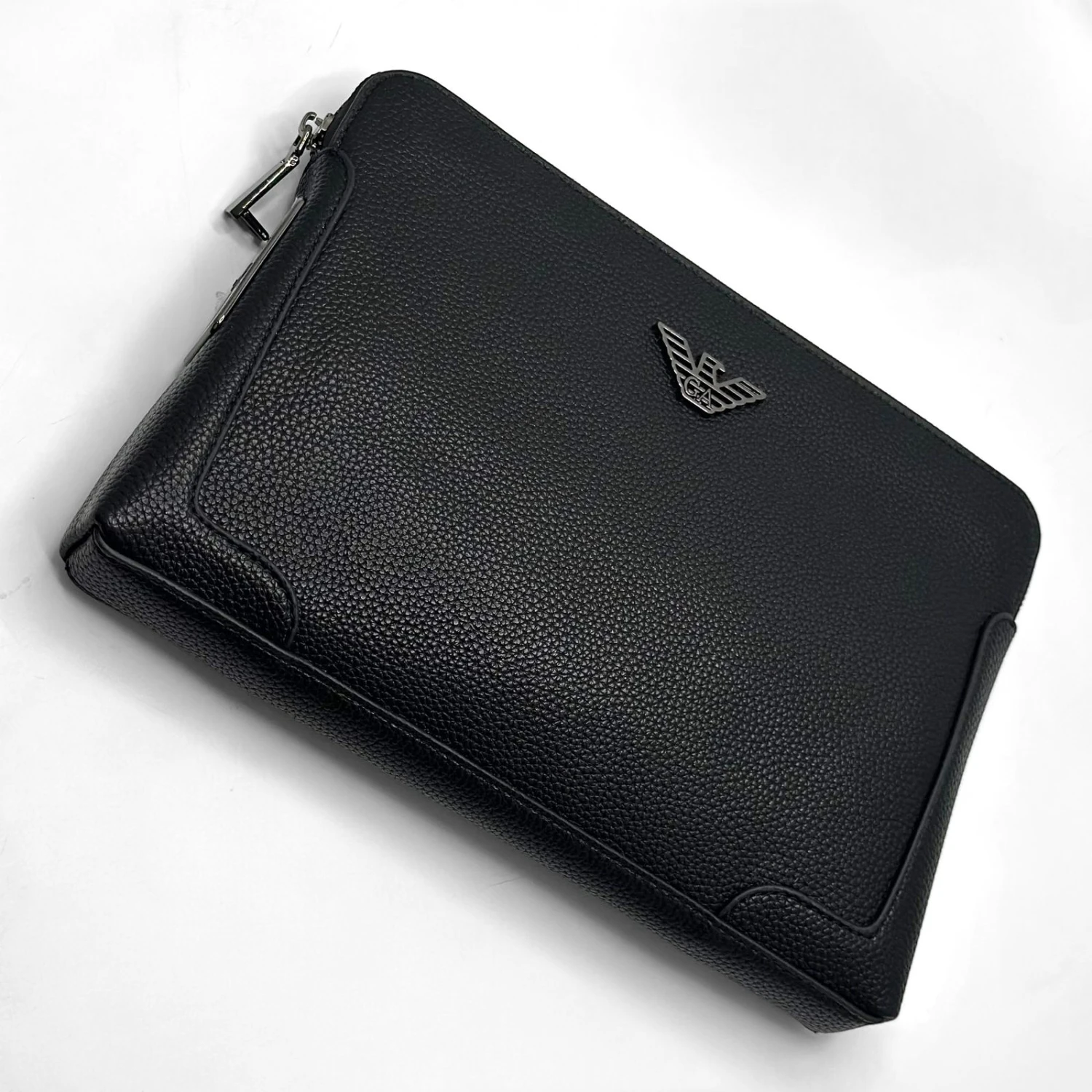
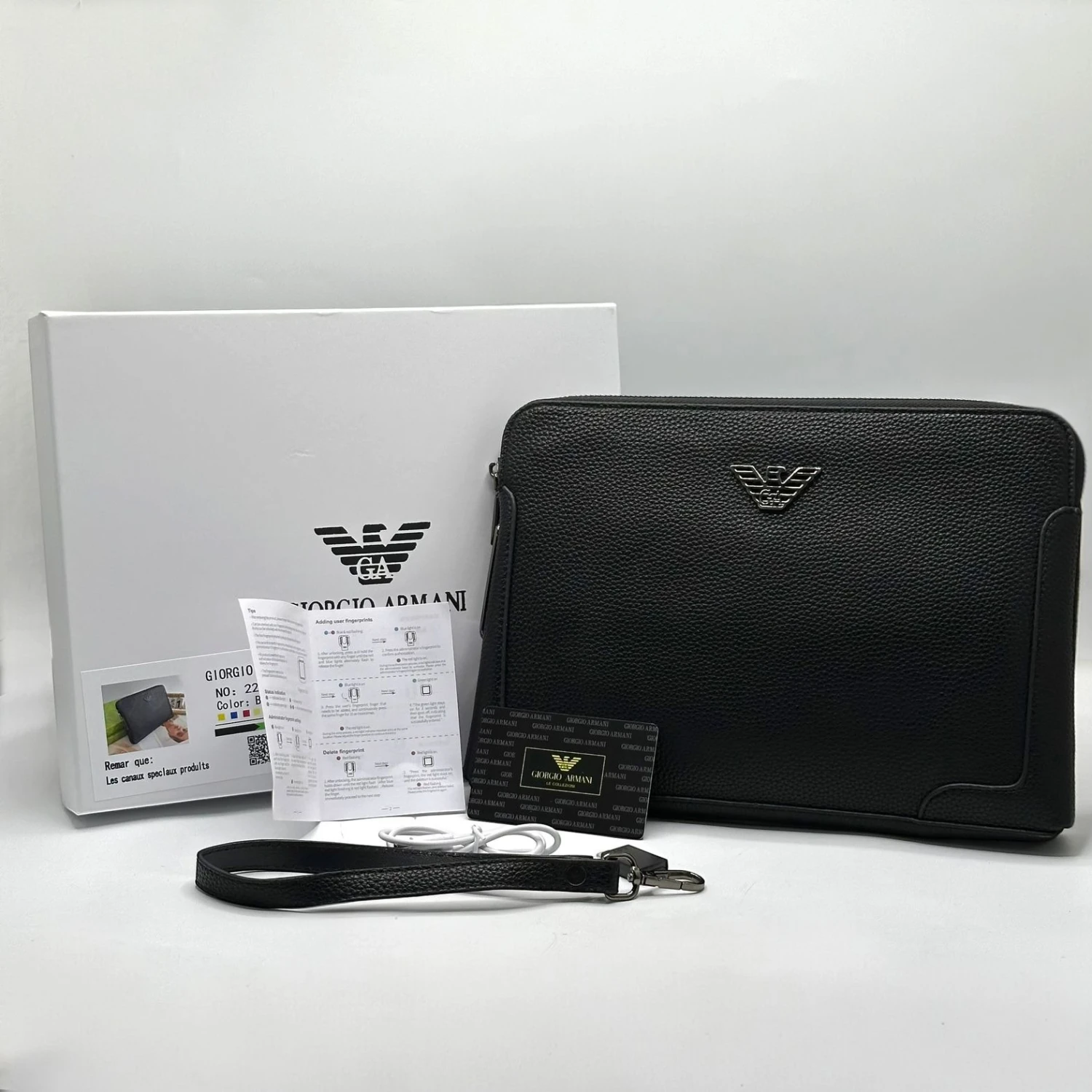
Armani Leather Fingerprint Handbag 22108
Master Men's Bag
Selected Variant
Out of Stock
Stock
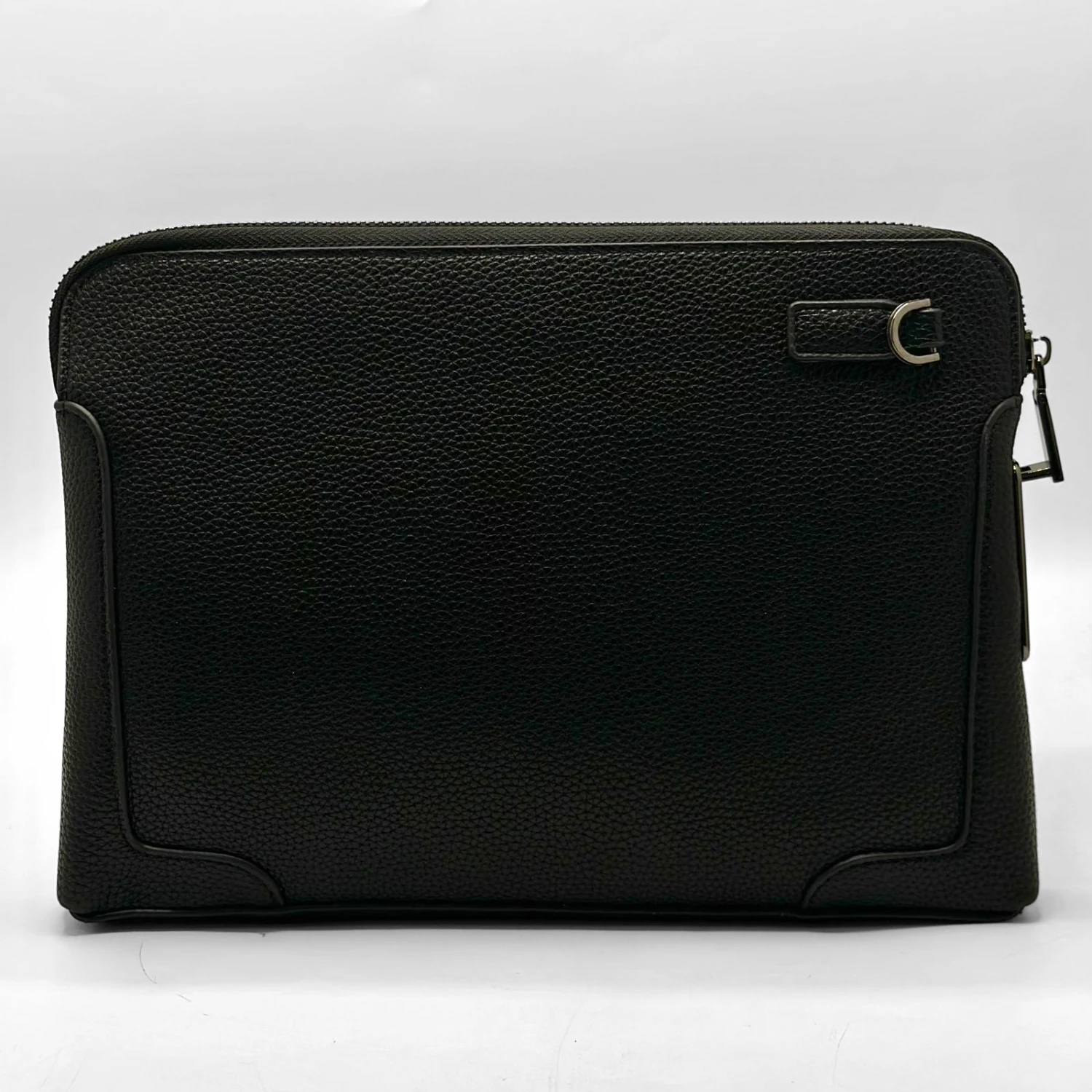
Armani men's Fingerprint Handbag , Model 22108, Master Quality, First Class .
Specifications :
- High-quality leather
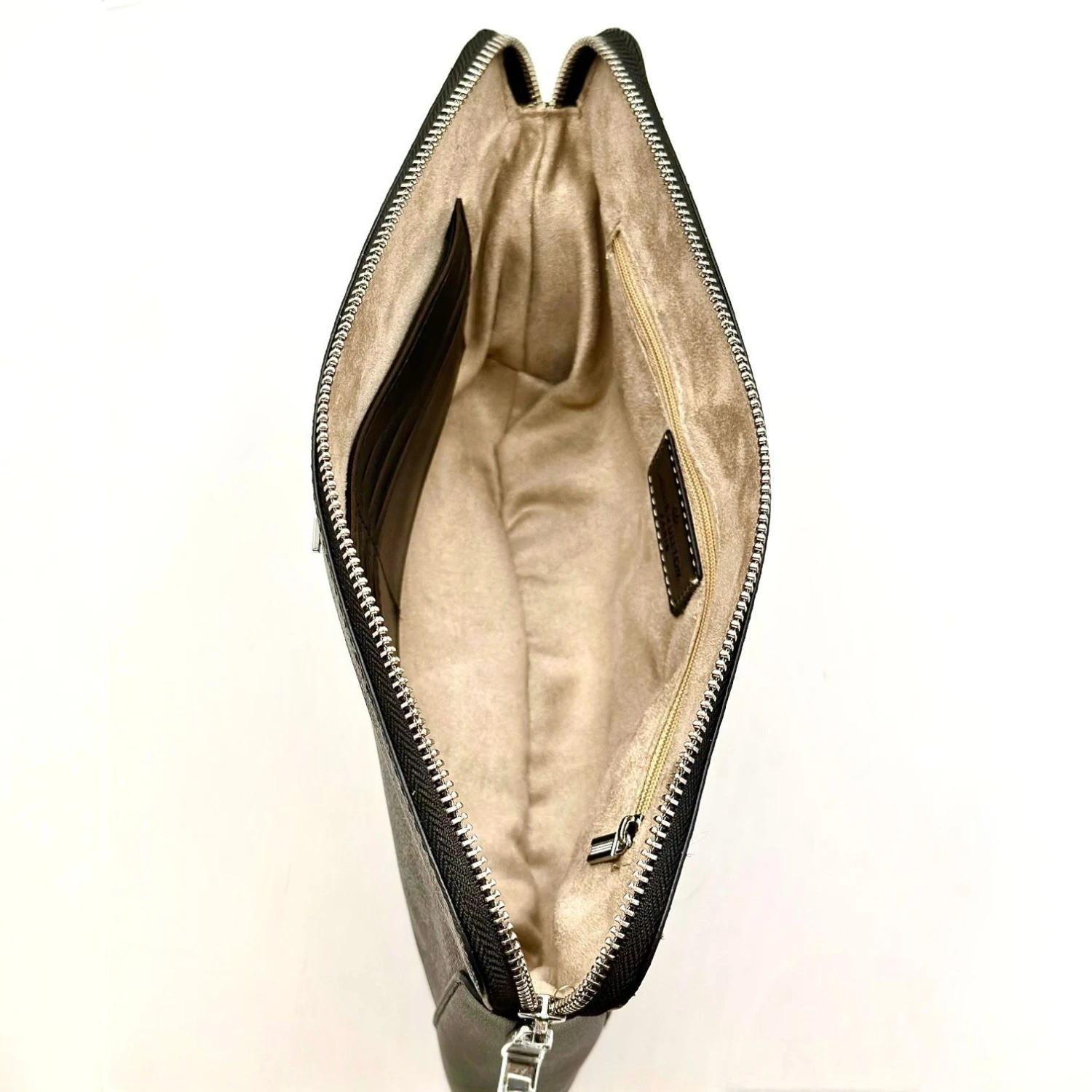
- Includes card and cash compartments, a zipper closure, an additional strap, and a charging cable.
- Dimensions (Length: 20 cm, Width: 30 cm)
How to Use :
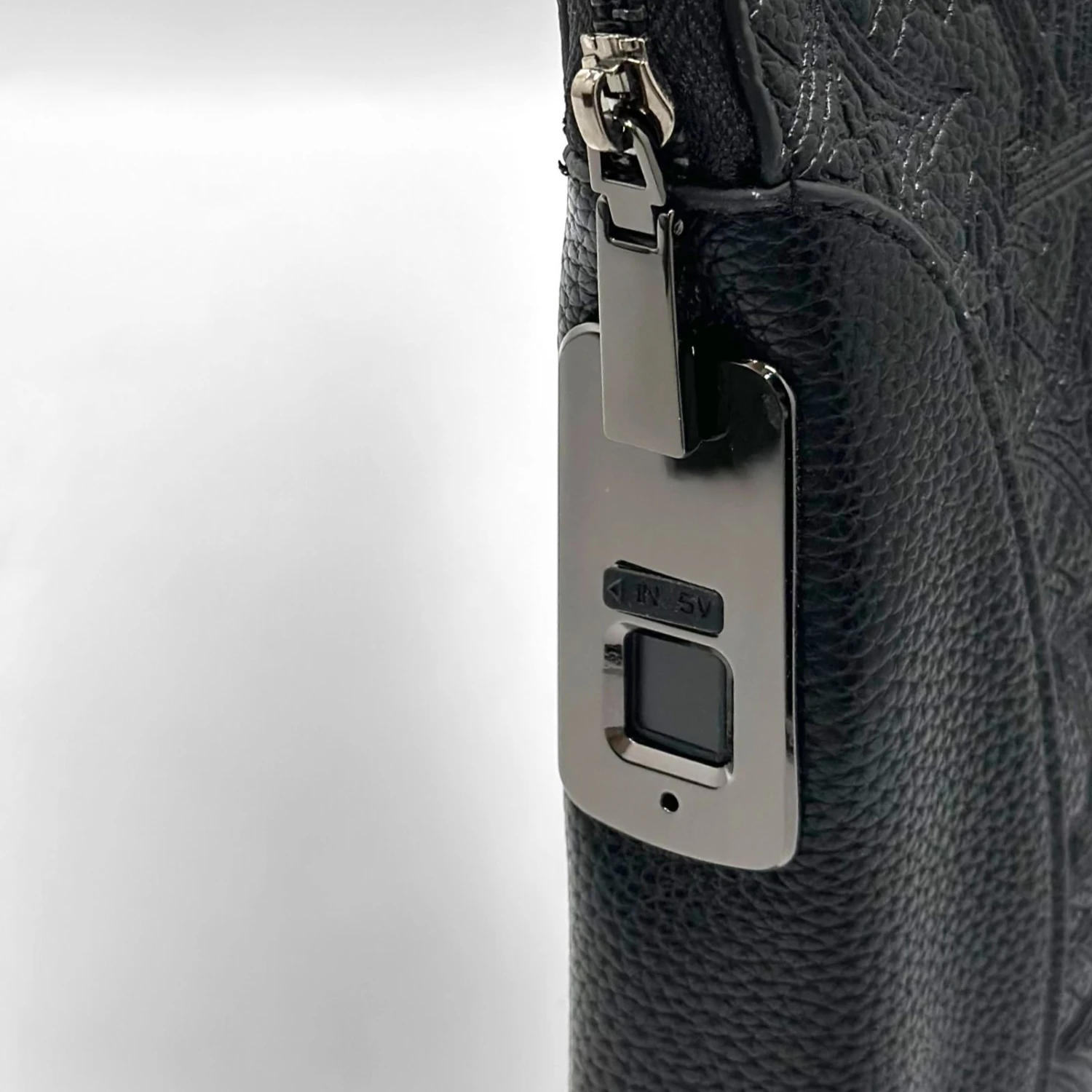
To add your fingerprint, ensure the lock is pre-charged. (The first fingerprint is the owner's.)
Place the finger you wish to add and unlock the lock for the first time. Press and hold until the light flashes blue and red .
Remove your finger, then press repeatedly until the light flashes green .
To add another fingerprint :
Press and hold until the light flashes blue and red. Use the owner's fingerprint once, then add the desired fingerprint by pressing repeatedly until the light turns green .
Fingerprint Scanning :
After pressing and holding, when blue and red flashes appear, wait a moment until it flashes only red .
Then release your finger and press again (Manager's Fingerprint) until a solid red color appears .
Registering the Emergency Key to a Fingerprint :
When the key is first inserted, it will flash blue and red. Press once, and a green color will appear to add it .
Note 1 : Only two fingerprints can be added .
Note 2 : The emergency key is for use with the designated briefcase only .